

How Do Overclocking, Hydro Cooling and Modifications Change Miner Maintenance?
Overclocking, hydro cooling and modifications are not simply harder on hardware or more durable. First identify what changed, the required operating conditions and available service. More hashrate does not by itself mean better efficiency or easier maintenance.
Work through configuration, power, cooling and service conditions, whether comparing a purchase or reviewing a miner already in operation. This is not an overclocking settings sheet, modification tutorial or brand-durability ranking.
First published:(Taipei)
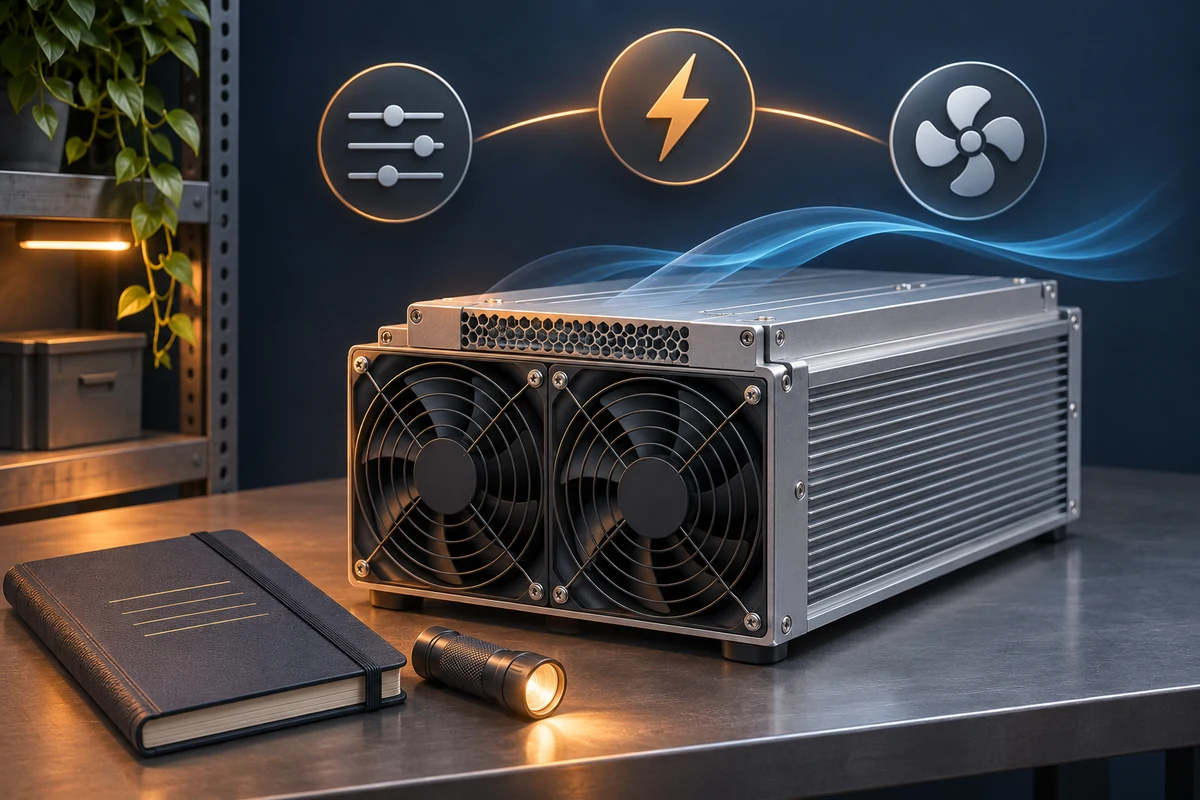
Factory modes, third-party firmware and hardware changes are different
Overclocking generally raises chip operating frequency to seek more hashrate. Autotuning adjusts individual chips toward a chosen target rather than always increasing consumption. Ask what the function actually changes. Not all third-party firmware is overclocking, and a feature name alone cannot establish lifespan.
A factory mode is an option supplied for a particular model and firmware. Third-party firmware changes the control software; hardware modifications may change the power supply, cooling or chassis. Even when all affect hashrate, they are not the same configuration. An official feature on a new model cannot be assumed available on an older one.
Before comparing, record the exact model, firmware, operating mode, power supply and modifications, then find the matching specifications and service terms. A supported performance mode does not approve arbitrary settings, nor can a new model’s features be assumed on an older one.
Extra hashrate can also add electricity and cooling demand
Hashrate uses TH/s, power uses W, and efficiency is commonly expressed in J/TH; a lower value means less power for the same hashrate. Use the same measurement boundary and comparable conditions. Do not directly compare a software chip-level reading with another machine’s wall power.
A hypothetical arithmetic example, not a hardware test: 100 TH/s at 3,000 W is 30 J/TH; 110 TH/s at 3,600 W is about 32.7 J/TH. Hashrate rises but efficiency worsens. This illustrates comparison, not a safe, supported or profitable setting. Site power and cooling must support the actual load, not merely allow startup. Power (kW / MW) ↗
Cooling changes the maintenance system, not just the miner
Air, hydro and immersion cooling involve more than replacing a fan with water or oil. Check the original design, responsibility for the surrounding system and whether the repair provider supports that configuration. Assess purpose-built liquid-cooled hardware separately from converted air-cooled miners.
Treat cooling as a system. Air cooling needs suitable airflow and surroundings; hydro cooling needs the right loop and fluid conditions; immersion also needs compatible equipment, materials and fluid. Check temperature, flow and pressure requirements for each model. Neither one universal setting nor the cooling label establishes reliability.
| Type | Conditions to establish | What does not follow |
|---|---|---|
| Air cooling | Airflow, dust, environment and on-site service. | Fans make it suitable for every room or climate. |
| Hydro cooling | Model requirements, loop, fluid quality and responsibility for leaks. | No fans means no overheating or corrosion. |
| Immersion | Original or converted design, compatibility, fluid, cleaning and repair eligibility. | Fluids, miners and repair centers are interchangeable. |
Repair arrivals are not a fleet failure rate
A repair center sees machines sent in, not every miner in operation. Sales, geography, warranty channels and repair practices affect what arrives. Comparing failure rates needs the installed population, observation period, conditions and fault definition. Repeated visits by one miner also differ from one visit each by several miners.
Without complete statistics, individual repair cases can suggest checks for leaks, dust, power or configuration issues, but cannot prove that one brand lasts longer. Nor can overclocking be assigned a fixed percentage reduction in lifespan. Comparison needs the actual configuration, environment and operating records.
Warranty eligibility and returning to mining are separate
Warranty is neither a lifespan forecast nor a promise of free repair for every configuration. Check the particular sales contract, serial number, component and fault conditions. Before changing firmware, power supplies or cooling, obtain written clarification. Terms for another order or year do not establish your eligibility.
A few days of workshop work is not necessarily the time until hashing resumes. Ticketing, shipping, diagnosis, parts, repair, testing, return transit and reinstallation are separate stages. Clarify the clock, freight and additional charges, then include the full outage in your comparison. Verify the recipient before sharing logs, remove unnecessary account and network details, and never supply passwords or keys. Repair or replace: compare the full costs ↗
Keep a record that makes comparison possible
Keep the original configuration and operating records, then compare accepted hashrate, measured power, conditions and downtime over the same period. Record when and what changed. Have qualified personnel investigate problems rather than guessing through repeated restarts or disassembly.
Finally compare extra accepted work, added spending and responsibility when something fails. One higher hashrate reading does not establish long-term suitability. If you already have a repair quote, compare the full outage and replacement cost next. Repair or replace: compare the full costs ↗
- Configuration: are the model, firmware, mode and modifications recorded?
- Operation: can accepted hashrate, like-for-like power, conditions and downtime be compared?
- Service: who supports this configuration, what is included, and how is restoration checked?
Sources and scope
Product references, checked 2026-11-15 (Taipei): the S21 XP manual’s power, monitoring and non-condensing requirements and S21 XP Hyd. fluid requirements illustrate why model-specific checks matter; they are not universal settings. The manual page says V1.1 while the PDF states Version 1.0 / Jul. 2024. S21 XP manual: operation, monitoring and environment ↗Official S21 XP Hyd. operating requirements ↗
Function and service references: Braiins distinguishes autotuning from overclocking; BITMAIN warranty and ticket documents explain contract and service processes. Manufacturer documentation is not a cross-brand reliability comparison or independent testing. Braiins: autotuning versus overclocking ↗BITMAIN product warranty ↗BITMAIN repair-ticket guide ↗
Further viewing: Colin and Jack’s repair conversation, originally broadcast on 2025-08-16; the 32:05 highlight was published on 2026-11-10. It provides repair-service observations and questions, not failure-rate evidence, lifespan predictions or current service promises. Further viewing: miner repairs and operating conditions ↗
This is an introduction to understanding and comparing conditions, not electrical, modification or repair instructions. It presents no Learn-tested failure rate or lifespan guarantee and is not investment advice.